On this page+
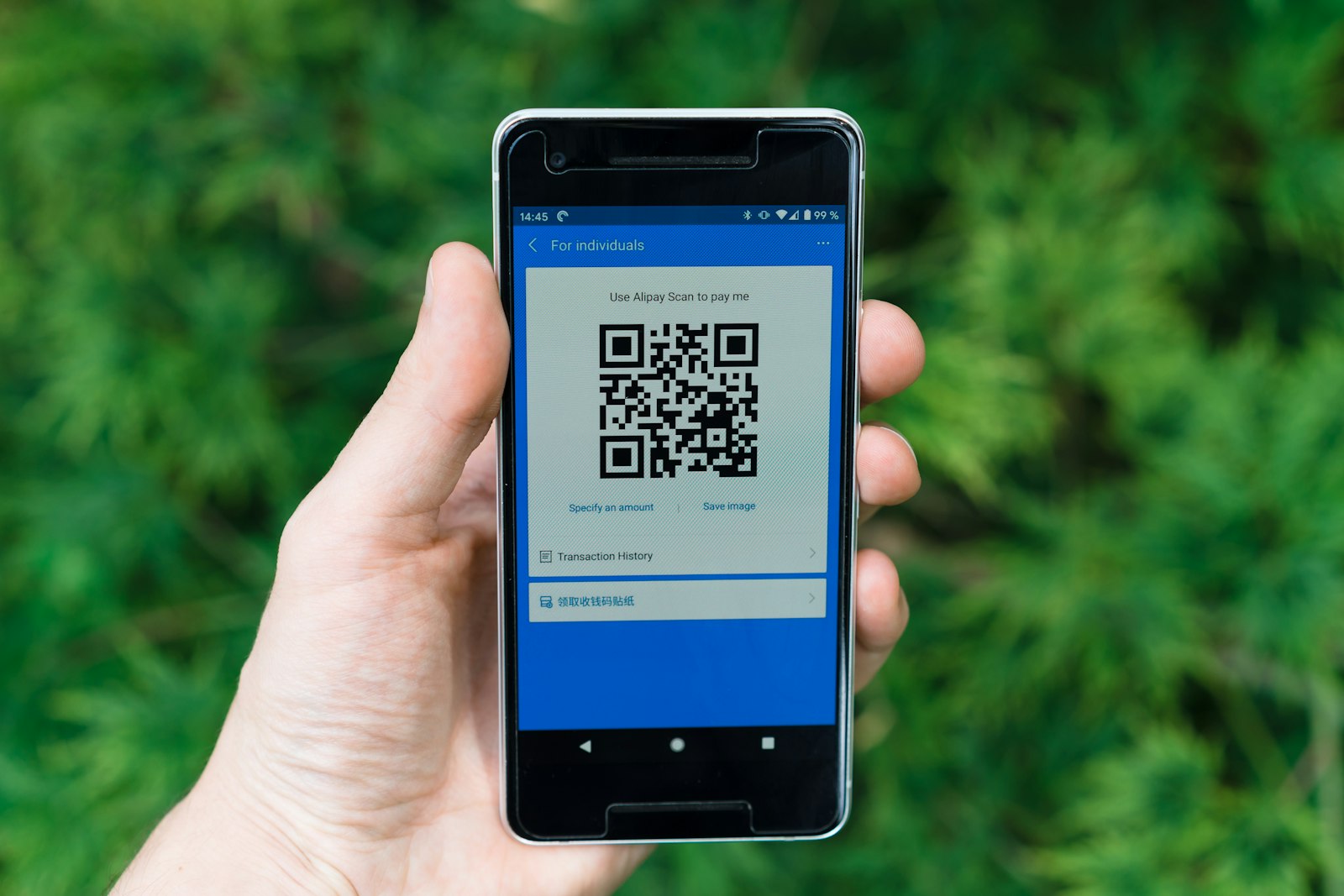
A printed QR code is the only way to attribute a physical placement to a digital action. The mechanism: a dynamic QR points at a redirector you control. The redirector logs the scan and forwards the visitor to your destination URL with UTM parameters intact. GA4 reads the UTMs on landing and credits the placement.
Here is the practical guide for the four most common print placements: posters, packaging, business cards, and out-of-home.
Posters
A poster QR is read from 1 to 4 meters depending on placement (lobby vs subway). Scaling rules:
| Scanning distance | Minimum QR size |
|---|---|
| 1 m (lobby, retail end-cap) | 10 cm |
| 2 m (cafe, gym, retail aisle) | 20 cm |
| 4 m (subway, transit, large display) | 40 cm |
| 6 m+ (billboard, building wall) | 60 cm+ (and you should reconsider the placement) |
UTM template for posters:
utm_source=qr
utm_medium=offline
utm_campaign=q2-launch
utm_content=poster-{placement}
Where {placement} identifies the specific poster (poster-lobby, poster-subway-line-3, poster-cafe-3rd-st). With per-placement UTMs you can compare which placements drove the most scans.
What to put around the code:
- A short text instruction: "Scan to learn more." This is necessary; some passersby still do not know what a QR code is.
- The destination's vanity URL printed visibly: "or visit acme.co/q2." Some people prefer typing.
- The campaign value proposition in five words: "Get 30% off Q2 launch."
- Your brand mark, small. The QR should be the focal point.
Packaging
A QR on packaging is read at 10 to 30 cm from the product (kitchen counter, retail shelf, in-hand). Scaling:
| Surface | QR size |
|---|---|
| Cereal box back | 4 cm |
| Wine bottle label | 2 cm |
| Beverage can | 2 cm with high contrast |
| Insert card inside box | 3 cm |
The packaging QR is unique because it lives for the lifetime of the product, often multiple years. Three rules:
- Use a dynamic QR. The destination might change. The packaging will not.
- Use a branded short domain. "acme.co" reads better than a generic shortener domain on a product the customer trusts.
- Choose level Q or H error correction. Packaging suffers wear, smudges, and creasing. The extra error correction is the difference between a scan that works and one that does not.
UTM template for packaging:
utm_source=qr
utm_medium=offline
utm_campaign=packaging-{product}
utm_content={surface}-{version}
Example: utm_source=qr&utm_medium=offline&utm_campaign=packaging-summer-bottle&utm_content=back-label-v3.
Business cards
A business card QR is read at 20 to 40 cm. Minimum 2 cm in size, ideally 2.5 cm for older Android cameras.
The business card use case is unique: the QR is meant to do something specific, like add the contact to a phone or open a personal landing page. UTM template for business cards:
utm_source=qr
utm_medium=offline
utm_campaign=business-card-{name}
Where {name} is the cardholder's identifier, hyphenated and lowercased. With per-cardholder UTMs, your team can see which sales reps' cards drive the most engagement.
Some teams use a vCard QR (a QR that encodes contact info directly rather than a URL). This is fine for "add to contacts" use cases but loses tracking. If you want both, use a dynamic QR pointing at a redirector that detects the user agent and serves either a vCard download or a landing page.
Out-of-home (billboards, transit, large-format)
Out-of-home is read at 4 to 20 meters. Scaling:
| Placement | QR size |
|---|---|
| Bus shelter | 30 cm |
| Subway car interior | 25 cm |
| Subway platform | 50 cm |
| Highway billboard | 100 cm + (and reconsider the placement) |
OOH has the highest "scan during a moment of attention" requirement. The 5-second test: can someone glance at the placement, raise a phone, and scan within 5 seconds? If not, the placement is not delivering scans.
UTM template for out-of-home:
utm_source=qr
utm_medium=offline
utm_campaign=ooh-{location}
utm_content={creative-version}
Some OOH platforms (DOOH digital out-of-home) let you swap creative dynamically. Use utm_content to identify the variant on display when the scan happened. Time-of-day analysis on scan data tells you which slots paid off.
What to measure
Three metrics, in order of priority:
-
Scan-to-conversion rate. Total conversions on the campaign's destination URL, divided by total scans logged at the redirector. This is the number that justifies the campaign's existence. For cold-channel print campaigns, anything above 4 to 6 percent is solid. Below 1 percent, either the landing page is broken or the placement was wrong for the audience.
-
Scan distribution by placement. If you tagged each placement with its own
utm_content, you can see which posters or packaging surfaces drove the most scans. Useful for next-campaign planning. -
Scan time-of-day. Useful for retail, transit, and OOH where placement timing matters. A coffee-shop QR with most scans between 8am and 10am tells you the morning rush is the audience.
What not to put on a printed QR
A long-running anti-pattern list:
- Static QR codes for marketing campaigns. No tracking, no editing, no recovery if the destination changes.
- QR codes encoding very long destination URLs. Encode the redirector. The destination URL stays behind it.
- Heavily decorated codes that have not been device-tested. Especially with logo overlay larger than 25 percent of surface.
- QR codes with no surrounding context. A bare QR with no instruction or value prop scares people. Always pair with a short text and a printed URL fallback.
- QR codes pointing at non-mobile-optimized landing pages. A scan happens on a phone. The destination should be mobile-first or the conversion rate craters.
A working example
A coffee chain runs a Q2 loyalty campaign. The QR appears in three placements with three different utm_content values:
| Placement | utm_source | utm_medium | utm_campaign | utm_content |
|---|---|---|---|---|
| In-store table tent | qr | offline | q2-loyalty | tabletent |
| Coffee cup sleeve | qr | offline | q2-loyalty | sleeve |
| Window decal | qr | offline | q2-loyalty | window-decal |
For each placement's tagged URL, the free Trakl UTM builder generates the long destination URL once before it is shortened and encoded into the QR.
After 30 days, the GA4 campaigns workspace shows one row for q2-loyalty with three sources contributing. The shortener dashboard shows the scan distribution by placement. The conversion rate (loyalty signups divided by scans) is calculated per placement.
If the table-tent QR drives 65 percent of conversions but only 20 percent of scans, that is the placement worth doubling down on next quarter.
For the broader picture, the QR codes pillar guide covers the static-vs-dynamic question and the design rules. For the design specifics, branded QR code design rules covers contrast, logo, and color.
Frequently filed
Common questions.
Q.01What UTMs should I use on a printed QR code?+
At minimum, utm_source=qr, utm_medium=offline, and utm_campaign with the campaign name. Add utm_content to identify the placement (poster-v1, packaging-back, business-card). Avoid putting QR-specific values in utm_medium that are not in GA4's recognized list, or your traffic falls into the Other channel.
Q.02How big should a QR code be on a poster?+
Use the 10:1 rule. The QR should be roughly 1/10 the maximum scanning distance. A subway poster scanned from 4 meters needs the QR to be 40cm. A business card scanned from 30cm needs the QR to be 3cm minimum.
Q.03How do I measure the conversion rate of a printed QR campaign?+
Tag the destination URL with UTMs and measure conversions in GA4 against the utm_campaign value. The QR scan count comes from your shortener; the GA4 session count from the destination's analytics. Conversion rate is GA4 conversions divided by either scan count or session count, depending on whether you want to measure scan-to-action or session-to-action.
By the byline
Trakl TeamEditorial team
We build Trakl, a link shortener and UTM tracker for marketing teams. We write here from the cleanup work, support tickets, and campaign reviews that fill the rest of our week. Specifics over slogans, and we cite the source.
Photo: Markus Winkler on Unsplash